

If you are reading this article, you are already registered in wholesale mode, but this short instruction will help you if you want to invite your friends or colleagues to join our team and earn money with us.
STEP 1: VISIT OUR AWESOME PATTERN STUDIO LANDING PAGE
Go to our landing page and find the "BECOME A PARTNER" button.
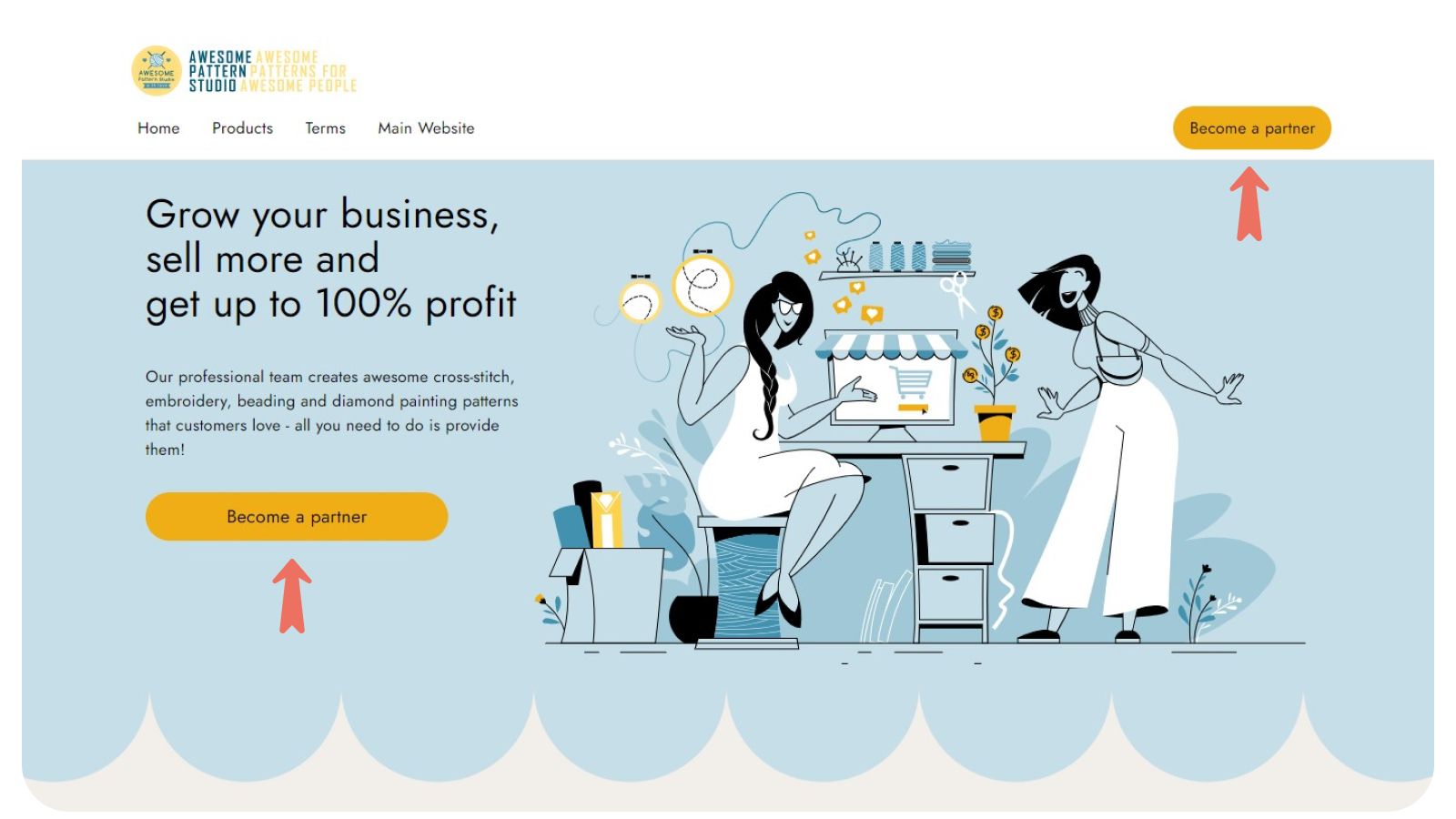
On the site, you can find the catalog of products we sell and all the necessary information about them.
STEP 2: REGISTRATION PROCESS
After you click the "Become a partner" button, you will be taken to the registration form where you need to fill in the information about yourself and your store.
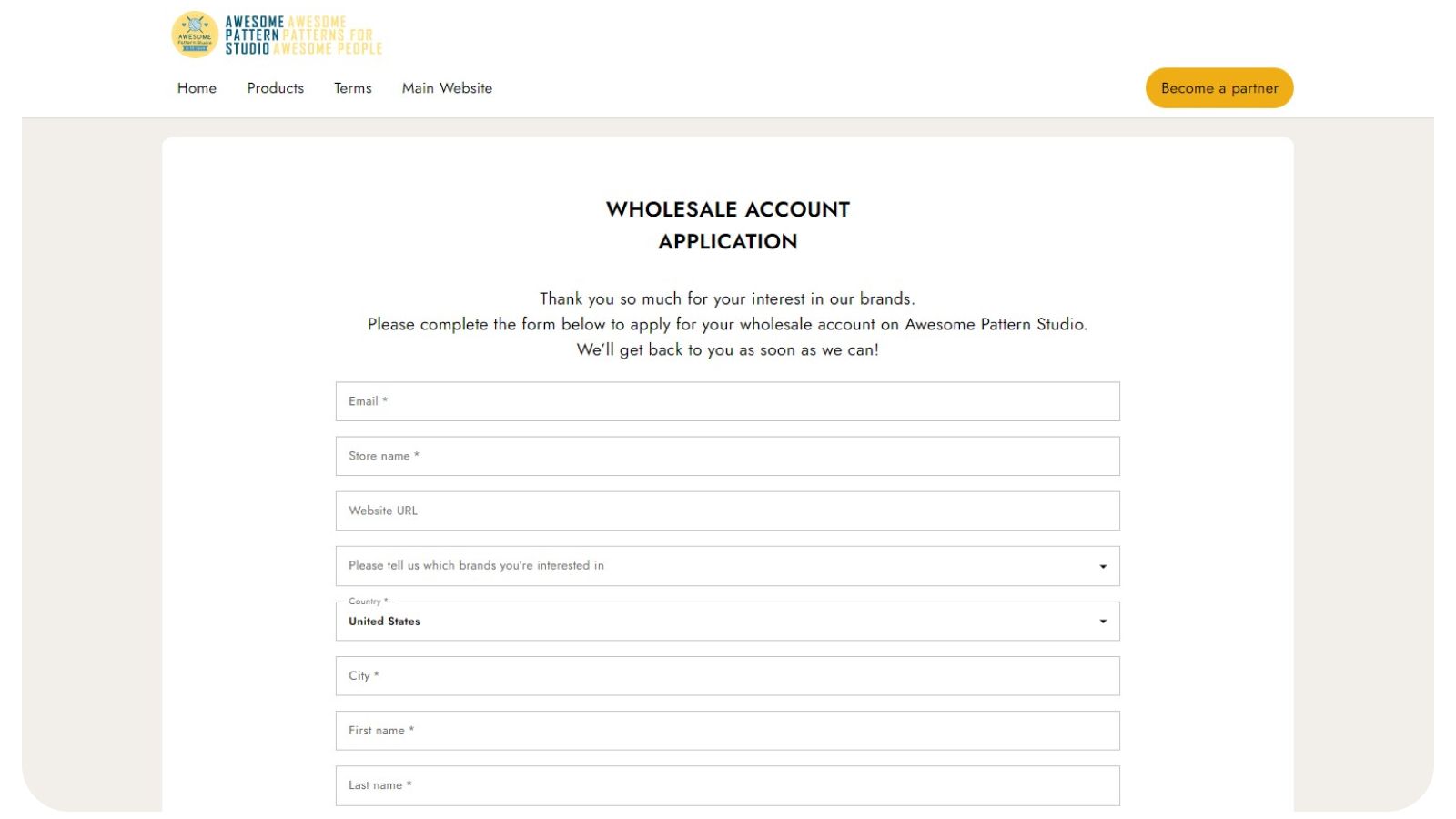
Let's take a step-by-step look at what you need to complete the registration process and become a wholesale partner:
1. Write Your Work Email. The email you need is one you use all the time (the best option is the email that is assigned to your store). You will receive a confirmation of registration, approval or rejection of your application, a one-time password and your login.
Also, this email will be used to communicate with you and send invoices for payment. So it is important to keep your email fully functional. This field is required.
2. The Name Of Your Store. We will verify the information, so you need to enter a real and correct store name. This field is required.
3. Your Store Website URL. If you will sell only online, then filling in this field is required. In case you have an offline store, but you have a website, please fill this field as well, so we can get to know you better.
But if you have a local store without a website, you do not need to fill this field.
4. Please tell us which brands you’re interested in. Here you need to choose which of our products you are most interested in selling as our partner. You can choose several.
This does not affect access to any products, after approval, all product categories will be available to you.
5. Choose Your Country. Choose the country where you are actually located or where the parcels from us will go.
Example 1: If you are located locally in the United States and are going to sell online all over the world, specify the United States.
Example 2: If you are located in Europe and your local store is in the USA, then specify the country where we will need to send the goods. This will save you time and money on shipping.
We work almost all over the world, so all countries should be on the list. If your country is not on the list, please contact us at info@awesomepatternstudio.com
We do not work with Russia.
6. Write your first and last name. Please write your real name and surname, as this information will be used to send invoices and make deliveries.
7. What type is your store? There are 3 types of stores to choose from, so let's figure out which one to choose:
Online Store – You have only an online store and you will sell only online;
Brick and Mortar – you have a local offline store and do not have your own website or online store;
Both Online & B & M – you have a local offline store and website or online store;
8. When did your store launch (year)? Choose the year when your store is start.
9. Which of the following best describes your shop? You need to choose one of the following options that best describes your store: Toys, Children Boutique, Lifestyle & Home Decor, Art & Craft, Museum & Institution, General & Department Store and Other.
10. Instagram and Facebook. Leave links to your store's Instagram and Facebook. If your store doesn't have any social media, just leave these fields blank.
STEP 3. FINISHING THE REGISTRATION
Next, click on the checkbox that you allow us to send you emails about updates and news (you can unsubscribe later).
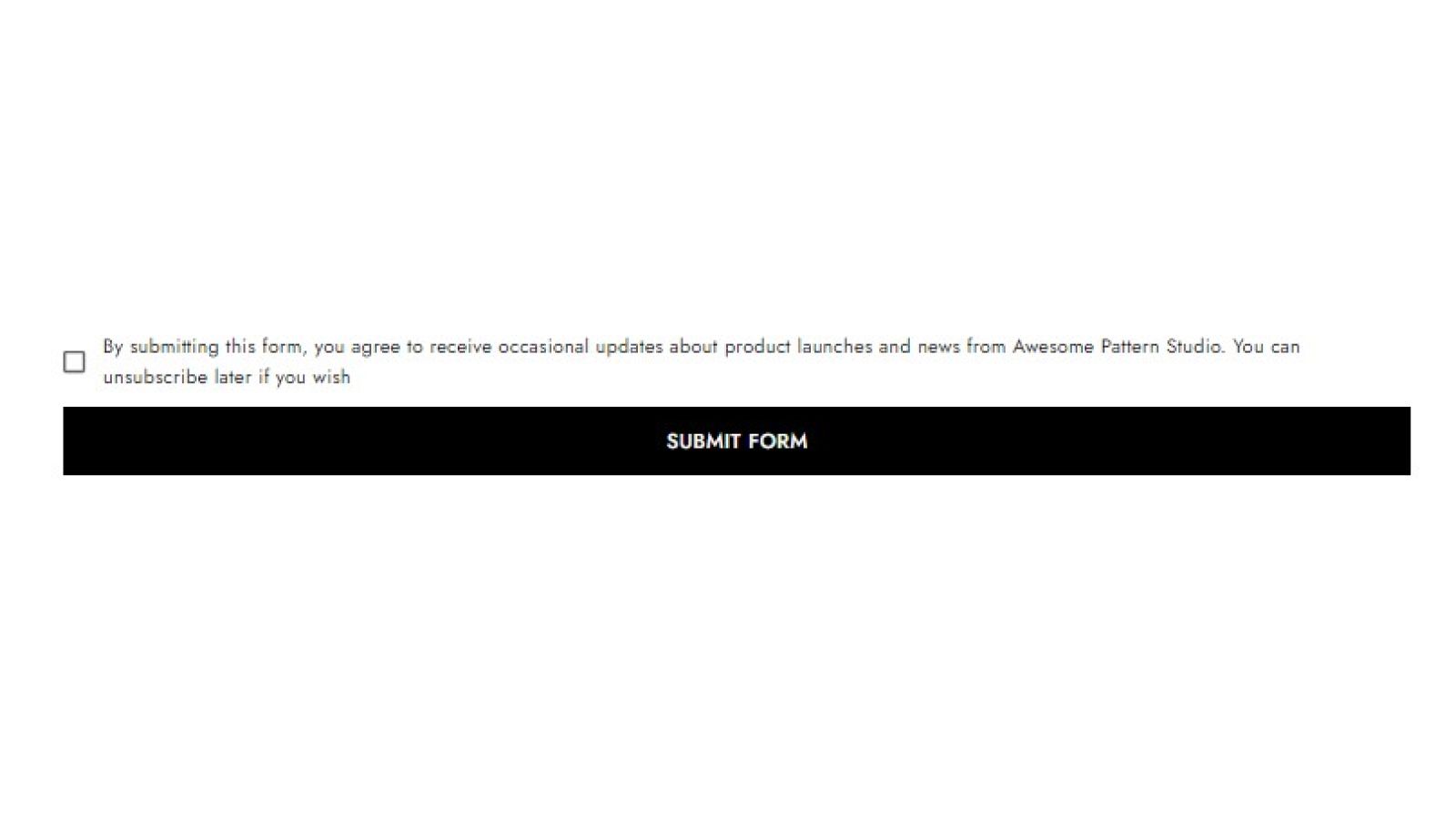
To complete the registration, click on the "Submit Form" button.
STEP 4. VERIFICATION PROCESS
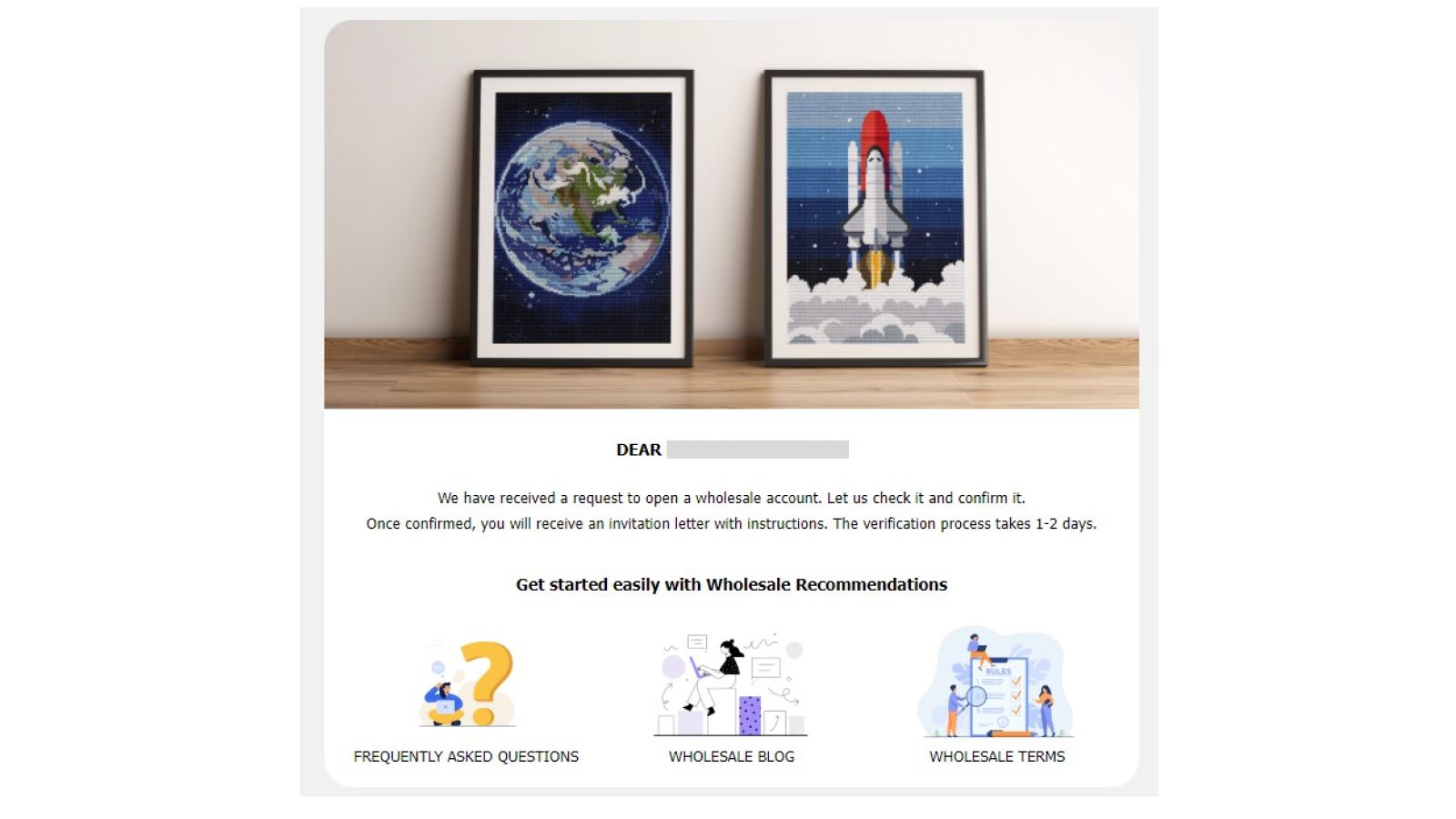
After you have sent us the form, you will receive an email that we have received your data and the verification process is underway. It usually takes 1-2 days.
The account is confirmed. If everything is fine with your data and we have verified your account, you will receive an email with a login and a one-time password with which you can log in to the site and get into Wholesale Mode. We recommend changing the password immediately.
Account is Declined. We will write in detail about the reasons for the rejection of your application in the letter, as well as provide recommendations on what to fix to get into the Confirmed status and buy our patterns and kits at the best prices.
STEP 5: WELCOME TO OUR WHOLESALE FAMILY
Congratulations with your registration, now you can enjoy all the benefits of our Wholesale Mode and order our kits at wholesale prices.